A quiet hourglass for watching the sand
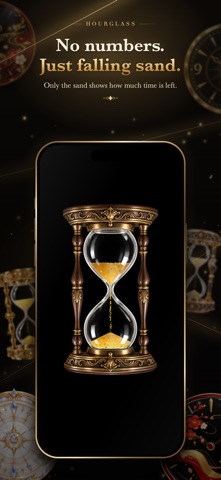
Watch the sand fall without numbers, sound or notifications. Choose 30 seconds or 1, 3, 5, 10, 15, 20, 45 or 60 minutes, with one to five runs. The hourglass turns over between runs. A gentle vibration at the end is optional.
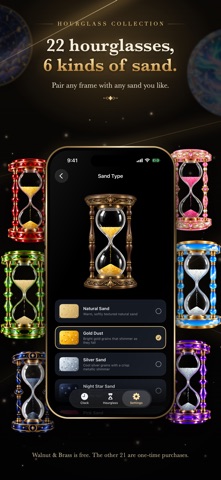
One Walnut & Brass hourglass is included. There are 22 designs and six sand styles in total; the other 21 designs are optional one-time purchases.
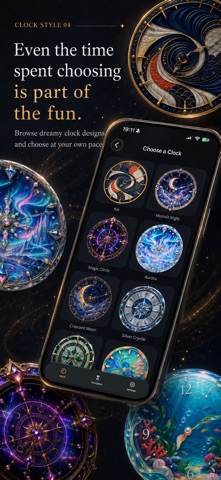
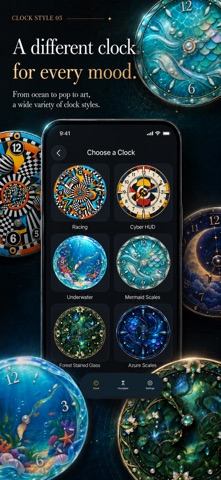
Find a clock design you like
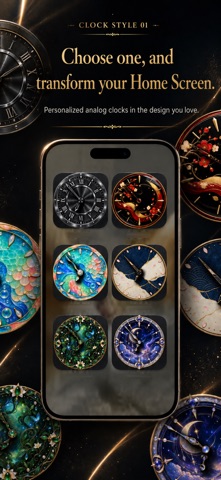
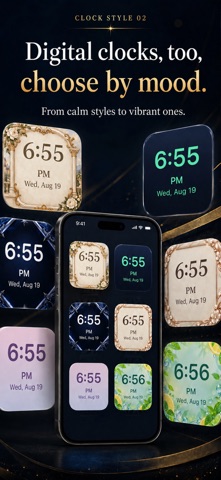
Explore 42 analog and 36 digital designs. The free Starter Pack contains five faces; additional clock packs are available to purchase.
Add clocks to your Home Screen
Small and large widgets can display different faces. Analog second hands move once a second.
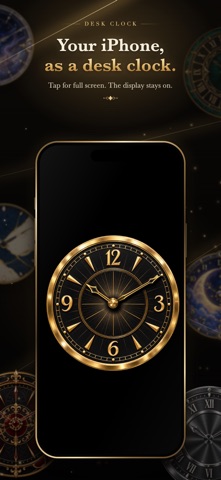
Use your iPhone as a desk clock
Tap a clock for a full-screen view that keeps the screen awake. Tap again to return.
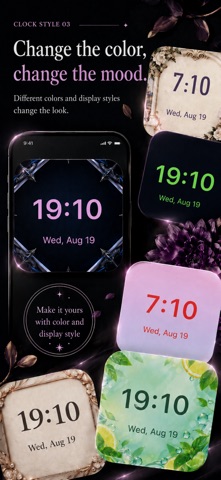
Adjust digital clocks
Each digital face remembers its 12/24-hour format, choice of 35 typefaces, and text color.
Display your clock in the Apple Watch app
The paired Watch app displays the clock selected on your iPhone. Choose and purchase faces on the iPhone. It does not replace the system watch face or provide complications or hourglasses.
Free content and optional purchases
Download for free. Additional clock packs and 21 hourglass designs are one-time In-App Purchases. No ads, subscription or account registration. Check the App Store for current prices.
Devices and languages
Requires iOS 26.0 or later on iPhone. The Watch app requires watchOS 10.0 or later and a paired compatible iPhone. There is no iPad app. Available in Japanese and English.